Documentation Index
Fetch the complete documentation index at: https://developer.prove.com/llms.txt
Use this file to discover all available pages before exploring further.
Scope
Required UI copy and challenge-field rules for the Challenge screen in Pre-Fill for Consumers when Mobile Auth℠ is not used.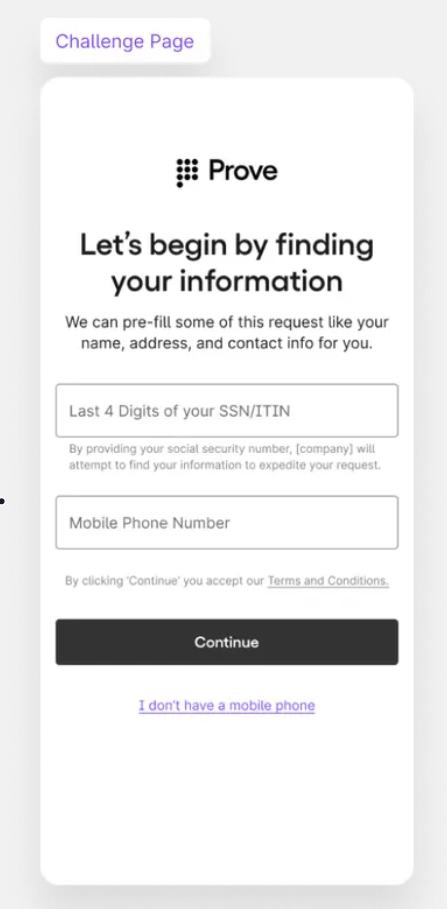
Page summary
| Element | Required copy |
|---|---|
| Page summary language | Let’s Begin by Finding Your Information |
| Page summary description | We can prefill some of this request like your name, address, and contact info for you. |
Challenge data by contracted solution
| Contracted solution | Customer prompt language requirements | Required challenge data |
|---|---|---|
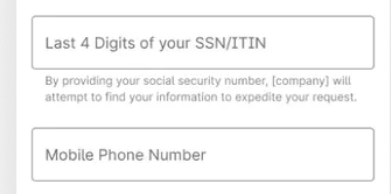
| Prove Pre-Fill | Customer can choose one from the following prompts: “Last 4 SSN/ITIN” “SSN/ITIN” “MM/DD/YYYY” “MM/YYYY” “MM/DD” | Last 4 SSN/ITIN Full SSN* Full DOB DOB - Month and Year DOB - Month and Day If the customer is applying to open a demand deposit account (DDA), the customer must enter their full social security number (SSN) for the challenge. |
| Prove Pre-Fill with KYC | ”Full SSN/ITIN” | Full SSN |
Phone number field