

Documentation Index
Fetch the complete documentation index at: https://developer.prove.com/llms.txt
Use this file to discover all available pages before exploring further.
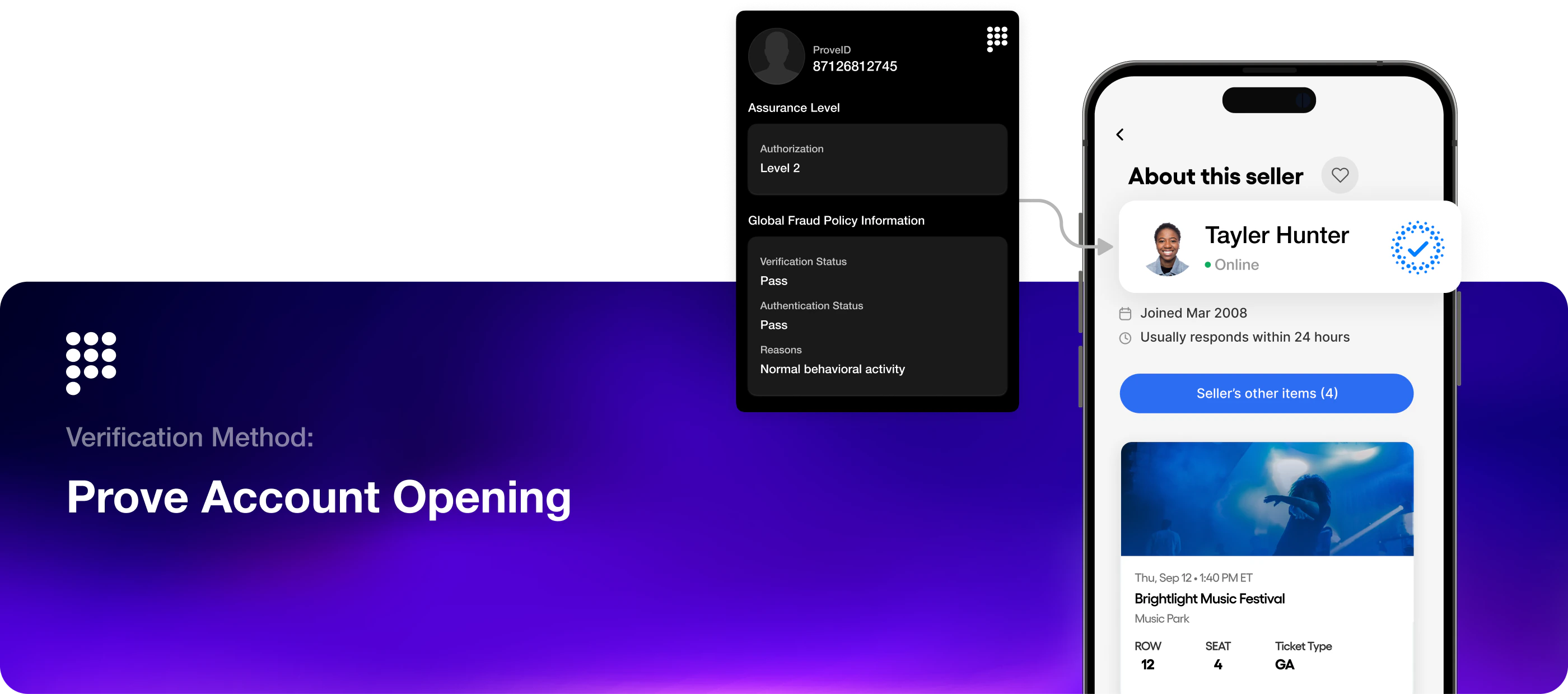
Prove Account Opening solution
Prove Account Opening verifies new customers using as little as a name and phone number, enabling instant onboarding and immediate activation at one of the highest-intent moments in the customer lifecycle. Where possible, identity is confirmed silently—via passive authentication using a cryptographic key or SIM validation—so legitimate users move forward without OTPs or extra steps, while suspicious signups can be challenged or blocked. This guide is where that pitch becomes an integration. Account Opening is delivered as a server-side API your backend calls during signup. It returns a structured verification result that your application uses to decide whether to approve, step up, or decline, plus identifiers (such asproveId) you persist to link the customer to later Prove calls and ongoing monitoring.
Account Opening is built around the phone as an anchor: you establish who is behind the device at account creation so subsequent checks and records can rely on Prove-backed identity rather than thin, self-typed application data alone. Adaptive rules from Prove’s Global Fraud Policy then shape each decision.
Account Opening is not a full replacement for every compliance or risk policy you operate under. It gives you strong phone-centric identity signals and structured outcomes so your application can approve, step up, or decline according to your own rules and any other checks you run in parallel.
Account Opening is available only in the United States.

How fits together
At a high level, rests on Verify and optionally Manage. They describe how the real-time product is structured, not a rigid checklist: your integration may combine or revisit them depending on channel, risk, and whether the customer already has a bound Prove Key.Verify
Verify is your back end callingPOST /v3/verify with the verification type and the inputs your flow requires to obtain a verification result and, when successful, identifiers such as proveId that you can persist for later calls, support, and linking to other Prove capabilities. End-to-end setup, Sandbox testing, and response handling are in the Verify guide.